
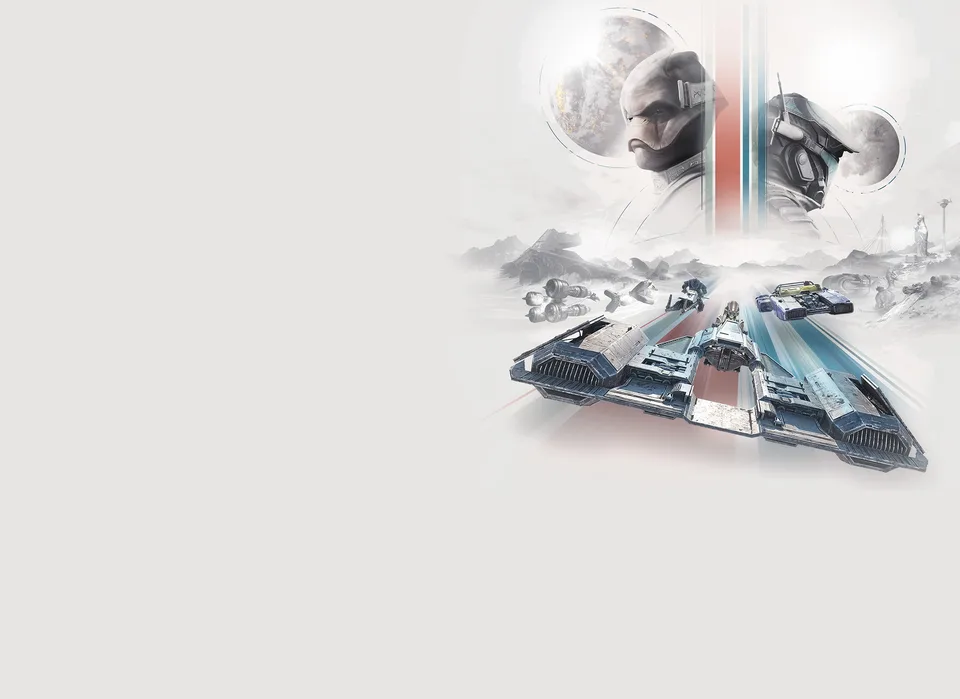
The Star Wars universe has always been synonymous with speed, and STAR WARS: Galactic Racer captures that adrenaline-fueled essence with remarkable precision. Developed by Fuse Games, this title combines the high-octane spirit of classic arcade racers with the modern rendering power of Unreal Engine 5. Whether you are a veteran of the N64 racing era or a new pilot entering the Galactic League, understanding how to configure your system is key to enjoying the ride.
For PC enthusiasts, display configuration is often the first hurdle. Many players are actively searching for STAR WARS: Galactic Racer ultrawide support to ensure their setup can fully immerse them in the expansive tracks of the Outer Rim. While the developers have focused heavily on visual fidelity and physics, navigating the technical landscape of a new release can be daunting. In this guide, we will break down the essential settings, performance expectations, and gameplay mechanics to help you dominate the track.
The Technical Foundation: Unreal Engine 5 and Performance
STAR WARS: Galactic Racer leverages the power of Unreal Engine 5 to deliver its high-speed experience. According to technical previews, the game utilizes advanced rendering features like Nanite to manage mesh complexity, allowing for expansive, detailed stages without compromising frame rates.
For PC users, the game is designed to be scalable, supporting a wide array of configurations. However, hitting high frame rates requires hardware that can keep up with the game's internal tick rate of 60Hz. If you are aiming for high-end performance, you will need to balance resolution with upscaling technologies.
| Specification | Requirement |
|---|---|
| CPU | Intel Core i5-8400, AMD Ryzen 5 2600 |
| RAM | 12GB |
| GPU | Nvidia RTX 2060, Intel Arc A580, AMD Radeon RX 5600 XT 6GB |
| Target Performance | 60fps (Varies by settings) |
Why this matters: The game relies on a consistent internal tick rate for vehicle physics. Even if your visual frame rate fluctuates, the engine maintains stability in physics calculations, ensuring that your handling remains consistent during intense racing moments.
Navigating STAR WARS: Galactic Racer Ultrawide Support
One of the most common questions from the PC community concerns display ratios. When looking for STAR WARS: Galactic Racer ultrawide support, it is important to note that developers often prioritize standard 16:9 aspect ratios for competitive fairness, especially in titles with crossplay.
As of the latest updates, there is no official confirmation of native 21:9 or 32:9 support in the game's settings menu. However, because the game uses Unreal Engine 5, community members often find that standard display settings allow for adjustments. If you are running an ultrawide monitor, follow these steps to check for support:
- Launch the Game: Navigate to the "Video" or "Display" tab in the main settings menu.
- Check Aspect Ratio: Look for an "Aspect Ratio" or "Resolution" dropdown. If "Auto" is selected, the game may attempt to match your desktop resolution.
- Windowed/Borderless: If native ultrawide is not listed, try switching to "Borderless Windowed" mode. This sometimes allows the game to span the full width of the monitor, though it may result in UI elements being stretched or positioned toward the center.
Tip
Managing Expectations If STAR WARS: Galactic Racer ultrawide support is not natively implemented, avoid forcing resolutions via external config files until the developers release a patch, as this can sometimes trigger anti-cheat warnings or cause HUD elements to clip out of view.
Mastering the Thermal Physics and Handling
The core appeal of STAR WARS: Galactic Racer lies in its physics-based handling. The developers have introduced a "thermal mechanic" that significantly impacts how you navigate the course. The environment is not just a backdrop; it is an active participant in your race.
The game features four distinct vehicle archetypes, each with different thermal profiles:
| Vehicle Type | Thermal Behavior | Best Use Case |
|---|---|---|
| Landspeeders | Moderate heat retention | General track navigation |
| Speeder Bikes | High heat dissipation | Tight corners, agile maneuvers |
| Skim Speeders | Low heat buildup | Maintaining top speed on straights |
| Podracers | Extreme heat sensitivity | High-speed, high-risk racing |
How it works: If you are racing on a map like Ando Prime, the intense cold will cause your vehicle to freeze, reducing performance. You must actively seek out heat sources on the track to thaw your vehicle. Conversely, in lava-filled caverns, your vehicle will overheat, forcing you to find water or cooling patches to keep your engines running. Mastering this "hot and cold" management is the difference between a podium finish and a crash.
Multiplayer Dynamics and Crossplay
Multiplayer is a central pillar of the experience, supporting up to 12 players in standard races and 8 players in specialized Podracer events. A significant feature is the inclusion of crossplay, which is enabled by default, allowing PC players to compete against those on PlayStation 5 and Xbox Series X|S.
According to community reports, the matchmaking system prioritizes filling empty slots in ongoing lobbies. If you join a match that has already begun, the game utilizes a "Spectator Mode" to ensure you are ready to join the next race without being disadvantaged.
Key Multiplayer Statistics:
- Party Size: Supports parties of up to 3 players (with plans to increase to 6 in future updates).
- Matchmaking: Prioritizes regional servers, then expands to cross-region if necessary.
- AI Fill: Races that do not meet the player cap are automatically filled with AI racers to keep the competition fierce.
Troubleshooting and Community Fixes
Even with a polished release, players may encounter technical hiccups. A notable issue reported by the community involves controller synchronization. If you find your controller disconnects mid-race, the game may default to keyboard and mouse input without allowing for a quick re-sync.
Steps to resolve controller issues:
- Verify Connections: Ensure your controller is wired or has a stable wireless connection before launching the game.
- Steam Input: If you are playing on Steam, go to the game's properties in your library, select "Controller," and ensure "Steam Input" is enabled or disabled (try toggling this if you experience issues).
- Report Bugs: Use the official Zendesk portal provided by the developers to submit logs if the issue persists.
The developers have been transparent about their commitment to post-launch support, regularly monitoring forums for feedback regarding performance bottlenecks and controller compatibility.
FAQ: Common Questions About STAR WARS: Galactic Racer
Does STAR WARS: Galactic Racer support ultrawide monitors? As of the current build, native STAR WARS: Galactic Racer ultrawide support is not officially confirmed in the settings menu. Players are encouraged to check the display settings upon launch and use Borderless Windowed mode as a potential workaround.
Can I play this game with a steering wheel or HOTAS? No, the developers have confirmed that the game does not currently support steering wheels, HOTAS, or HOSAS setups. It is designed primarily for controller and keyboard/mouse input, focusing on arcade-style physics rather than simulation.
Is there an offline mode for the campaign? Yes. You can play the entire single-player campaign, Arcade events, and Scenarios while offline. You only need to be online for initial authentication, downloading patches, and accessing multiplayer features or leaderboards.
Does the game support crossplay between PC and consoles? Yes, crossplay is enabled by default. You can race against players on PlayStation 5 and Xbox Series X|S, though you have the option to disable this feature in the online settings menu if you prefer to race only against other PC players.
By understanding these technical and gameplay nuances, you can spend less time troubleshooting and more time mastering the tracks. Whether you are chasing glory in the Galactic League or simply enjoying the iconic sound effects of the Star Wars galaxy, these tips will ensure you have the best possible experience on the grid.